
STAGE KEYS LIVE
The MainStage for Android worship keyboardists have been dreaming of. Connect your MIDI keyboard via USB or Bluetooth, load .sf2 SoundFonts, and play live without a laptop.
Built for Live Performance
Direct captures of Stage Keys Live running on Android devices.
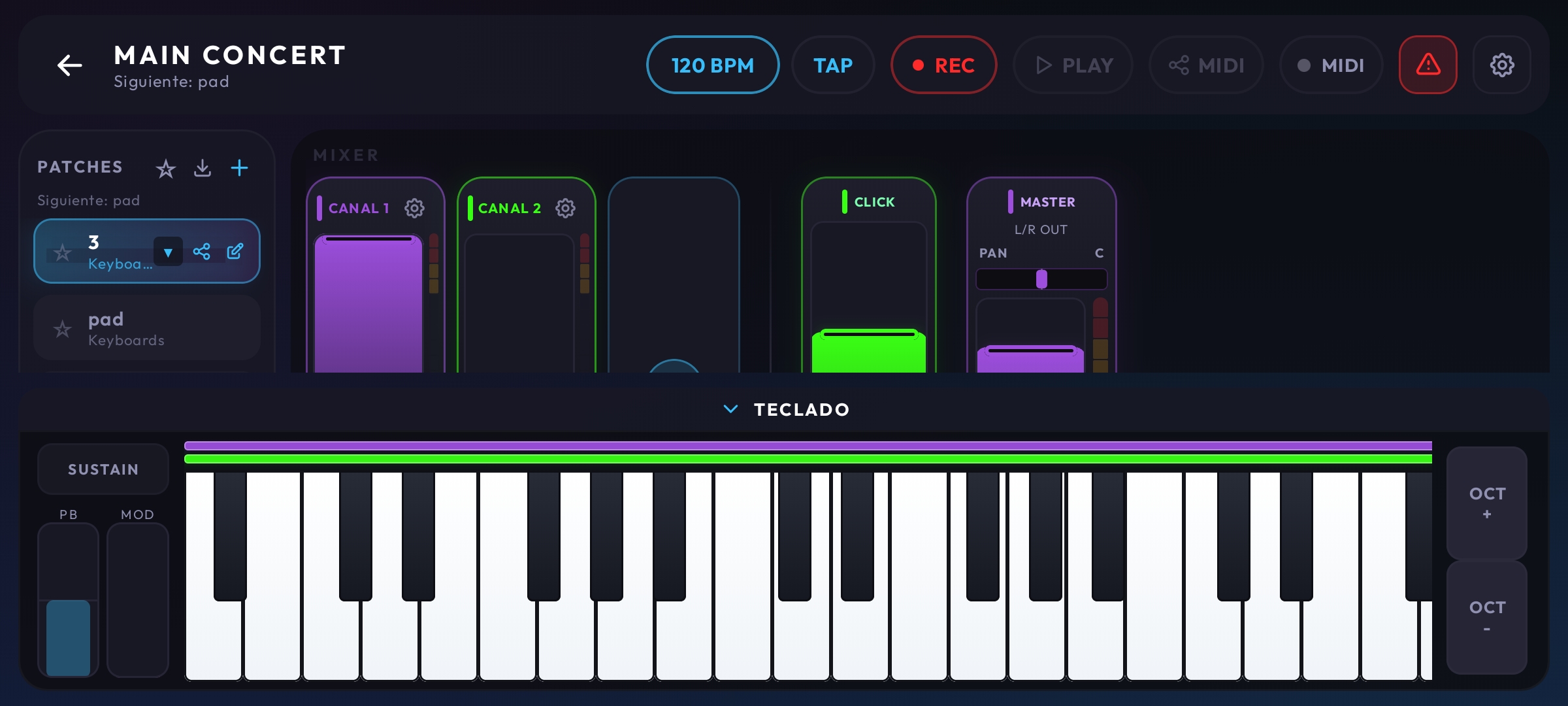
Live Mixer & Touch Keyboard
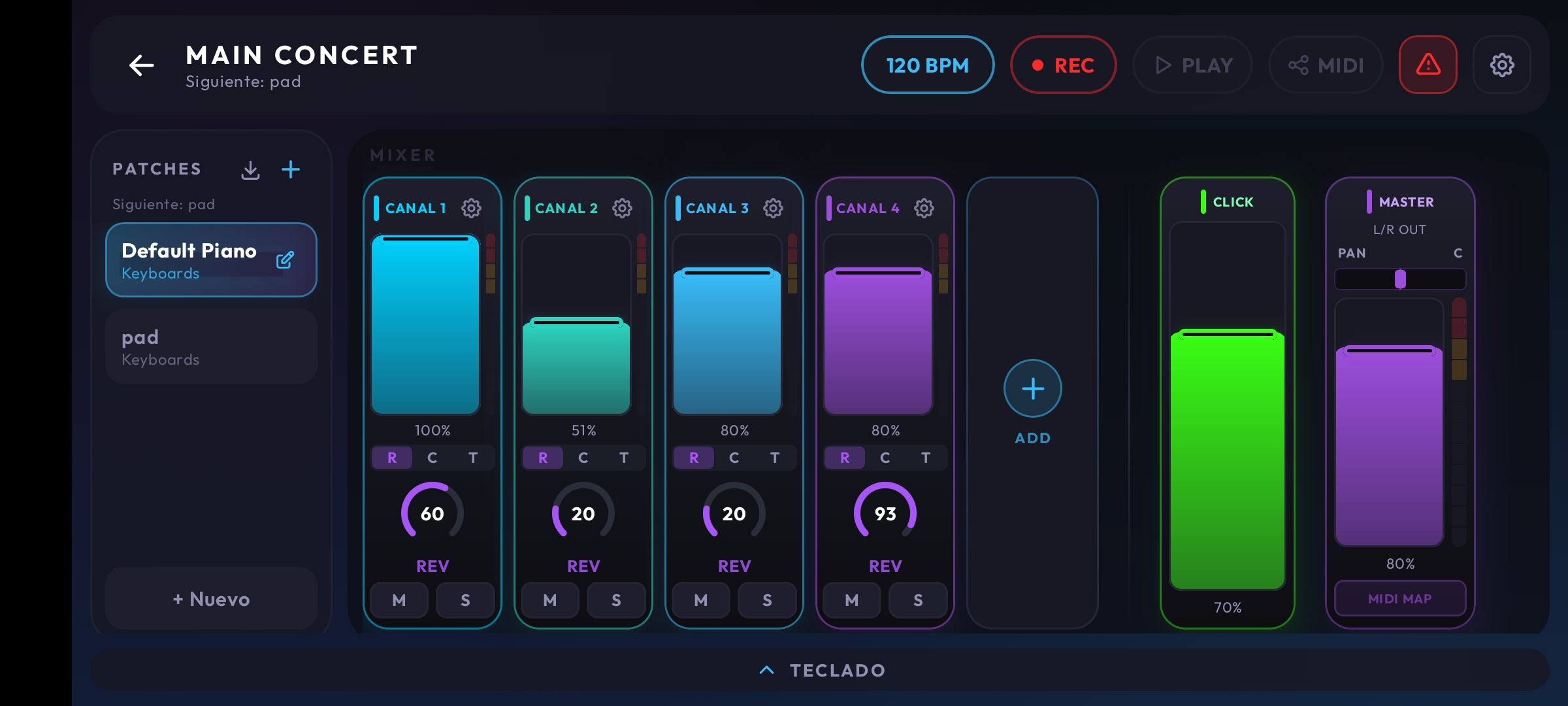
Multi-layer channel control with standalone faders, real-time audio meters, BPM, Tap Tempo, REC button, and an interactive virtual touch piano with mod-wheel and pitch bend.
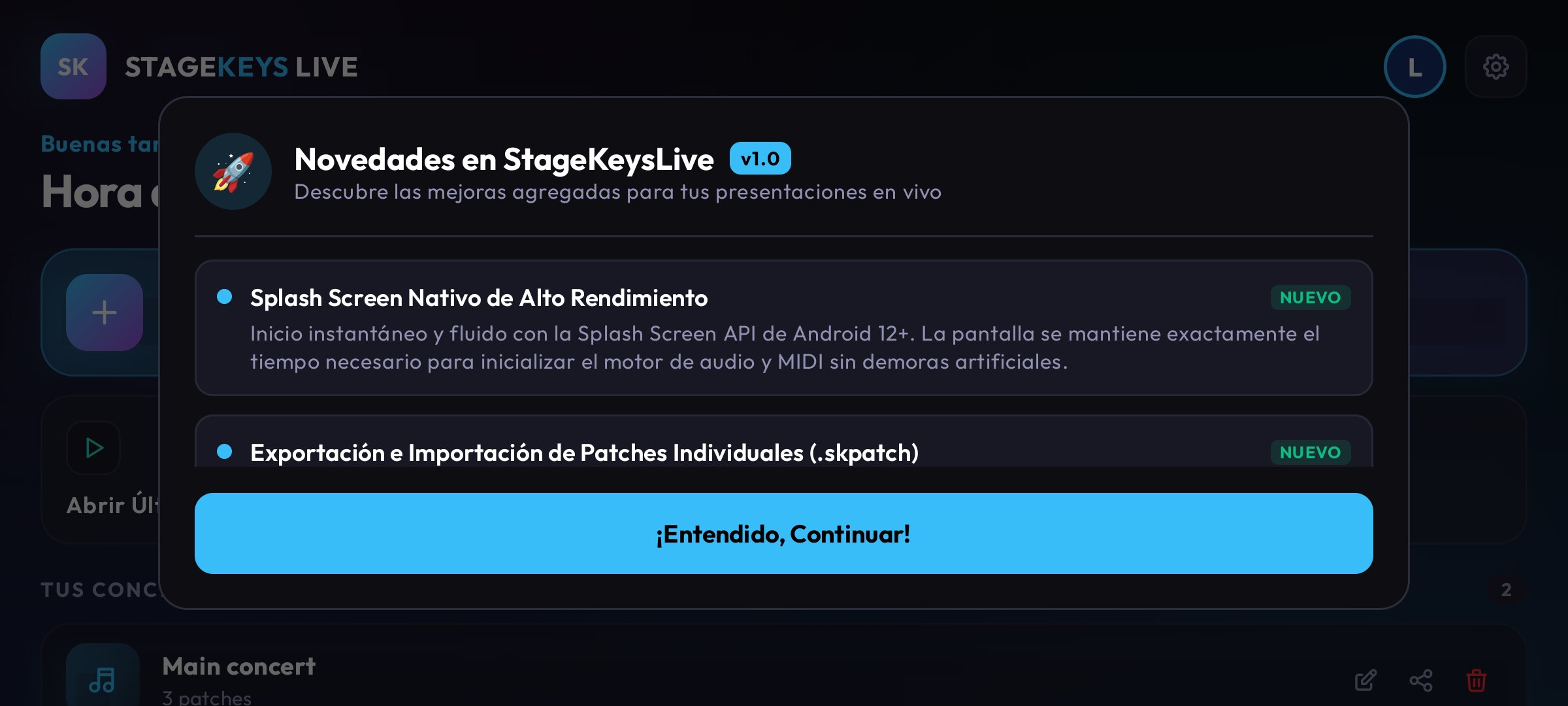
Patch & Instrument Engine
Load SoundFonts (.sf2) directly from your Android internal storage or SD card. Assign instruments, banks, and presets with instant real-time response.
Visual Zone Drag Editor
Easily configure keyboard splits with intuitive color zones. Assign bass to your left hand, acoustic piano in the middle, and pads/leads on the right with dynamic velocity curves.
Why is this different from other apps?
Not a generic MIDI player. Built from scratch to withstand the demanding requirements of live worship and concert performances.
Google Oboe C++ Engine
Powered by Google's native C++ high-performance audio engine to interact with your Android sound chip with the lowest latency possible (< 10ms guaranteed on modern devices).
FluidSynth .SF2 SoundFonts
Load worship instruments, analog synths, choirs, and pianos in SoundFont .sf2 format, optimized for light RAM consumption while preserving stunning acoustic fidelity.
Seamless Spillover
When switching patches in the middle of a song, sustained notes will not be abruptly cut off. The transition between patches is 100% smooth and continuous.
nanoKONTROL Mixer Mode
Plug a Korg nanoKONTROL2 or any USB fader controller using a USB OTG cable and adjust layer volumes on the fly exactly like MainStage.
Background Audio Service
The audio engine keeps running smoothly even if you lock your tablet screen to save battery or switch to sheet music apps like MobileSheets.
USB & Bluetooth MIDI
Plug-and-play support for Yamaha, Roland, Nord, Arturia, Novation keyboards or wireless Bluetooth MIDI adapters (CME Widi Master) without extra drivers.
Join as an Official Beta Tester
Google Play Console requires newly registered developer accounts to run a continuous closed test with at least 14 to 20 registered testers before opening public access.
If you have an Android smartphone or tablet and want early private access, enter your Google email (Gmail) linked to your Play Store:
What features do you need?
We are building this app with the live musician community. Share your idea or pick one of the quick suggestions below:
Frequently Asked Questions
Everything you need to know ahead of release.
What Android version is required?▼
Stage Keys Live is optimized for devices running Android 8.0 (Oreo) or higher with USB OTG (MIDI Host) support. Android 10+ is recommended for optimal ultra-low latency via Google Oboe.
Do I need an external audio interface?▼
Not strictly required. You can output audio directly via headphone jack or USB-C adapter. However, for church services and concert venues, any class-compliant USB audio interface (Focusrite, Behringer, M-Audio) connects seamlessly via a powered USB-C hub.
Where can I download .sf2 sound libraries?▼
Right here on TuteLopez Music! We continuously upload free worship SoundFonts tailored for mobile and tablet performance.
When will it launch on Google Play Store?▼
We are in the final stages of optimizing mixer faders and refining the latency curves with Oboe. If you sign up as a closed beta tester with your Gmail above, you will receive an invitation email as soon as testing opens.